How-to guides
A whole job, walked end to end with screenshots: build the thing, style it to your brand, publish it, and put it on your own site.
Browse the guides
Product
Written for
16 guides

How to get started with your Timepath Classroom | A Quick Guide for Teachers
Learn how to manage your classes, share timelines, assign quizzes, and organize your digital lessons using the Timepath Education Classroom — built to help teachers teach smarter, not harder.
Read the guide
How to Create a Quiz in Timepath
Need to make a quiz for class? This guide shows you how to build your own interactive quiz with Timepath using article links, smart tools, or your own questions — fast, simple, and made for students and educators.
Read the guide
How to Create a Timeline Collection with Timepath
Learn how to create interactive and engaging Timeline Collections with Timepath. Discover the simple steps to organize your articles into beautiful timelines, use our automatic import tool, and publish them effortlessly on your website.
Read the guide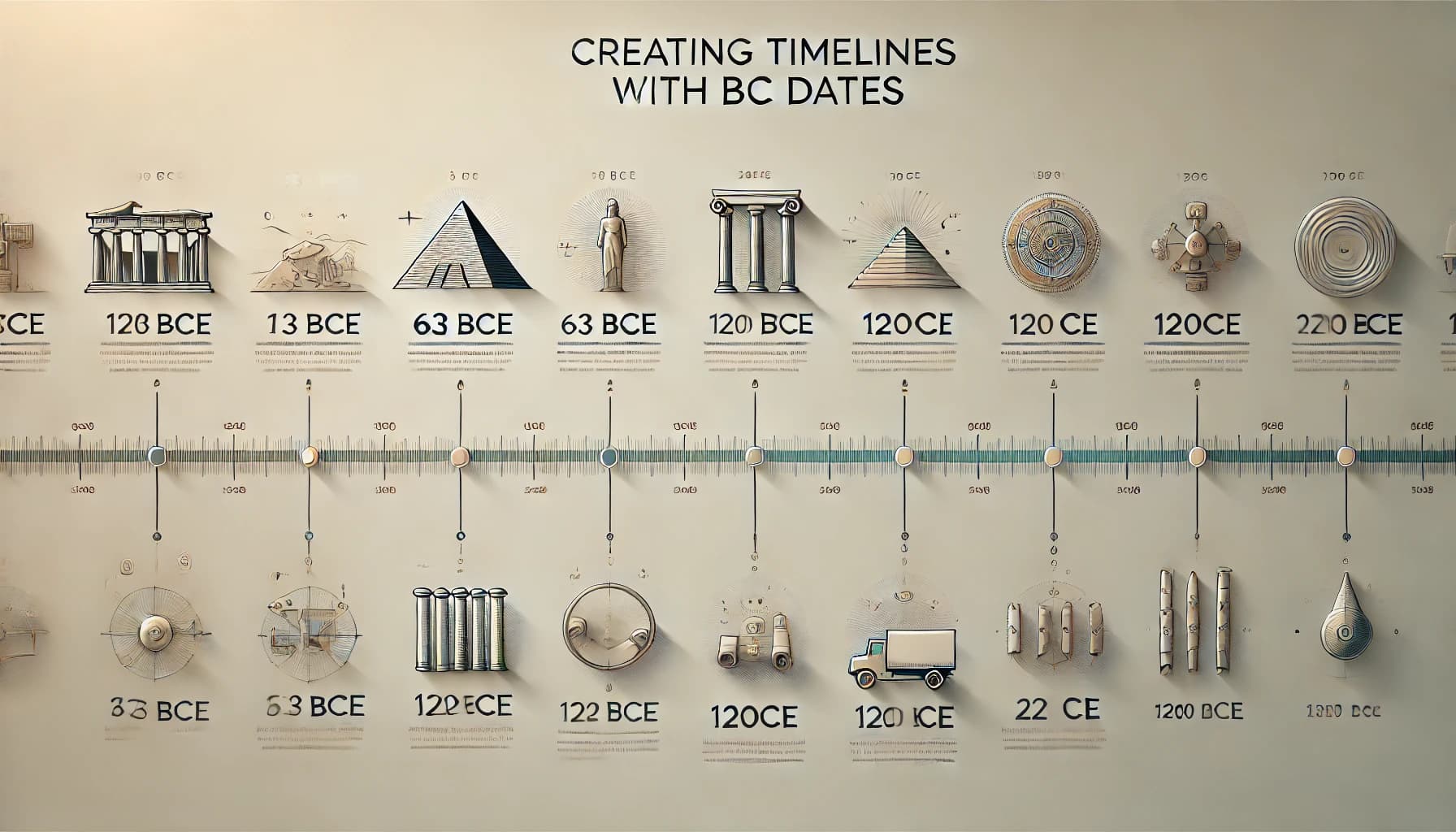
How to Create Timelines with BC Dates in Timepath | A Simple Guide
Learn how to create timelines with BC dates in Timepath. Follow this simple guide to organize and display ancient events accurately on your timeline.
Read the guide
How To Create A Timeline For My History Class
Need to create a timeline for your history class? This guide shows you how to build a clear, interactive timeline with Timepath — perfect for presenting historical events step by step.
Read the guide
How to Embed a Liveblog on Your Website
Embedding a liveblog on your website is a great way to keep your readers engaged with real-time updates. Whether you’re covering breaking news, a sports match, or a live event, a liveblog allows your audience to follow along as the story unfolds. Our data shows that engagement and time-on-page increase significantly when a liveblog is embedded directly within your article. In this guide, we’ll show you how to embed a liveblog on your website, blog post, or news article in 5 simple steps.
Read the guide
How to Create a Love Story Timeline (The Perfect Valentine’s Day Gift)
Looking for a Valentine’s Day gift that’s truly meaningful, personal, and unforgettable? Skip the cliché chocolates and flowers—this year, give a gift that tells your story. With a love story timeline, you can capture all the little moments, milestones, and memories that make your relationship unique.
Read the guide
How to create an Advanced History Timeline with Timepath
Creating an advanced timeline in Timepath allows you to tell complex stories with detail and creativity. In this guide, you’ll learn how to create a visually engaging and historically accurate timeline.
Read the guide
How to set a start and end date for your events
Setting a start and end date in Timepath transforms a single event into a clear time span, making your timeline more accurate and engaging. In this step-by-step guide, you’ll learn how to add precise start and end dates, adjust advanced date options, and ensure your events display the correct duration. Perfect for representing historical eras, project phases, or any event that lasts more than a day.
Read the guide
How to set up Timepath Collections: A Guide to Automating Article Extraction
Learn how to use CSS selectors to automate article extraction with Timepath. This guide provides step-by-step instructions and examples to help you find the right selectors for your needs.
Read the guide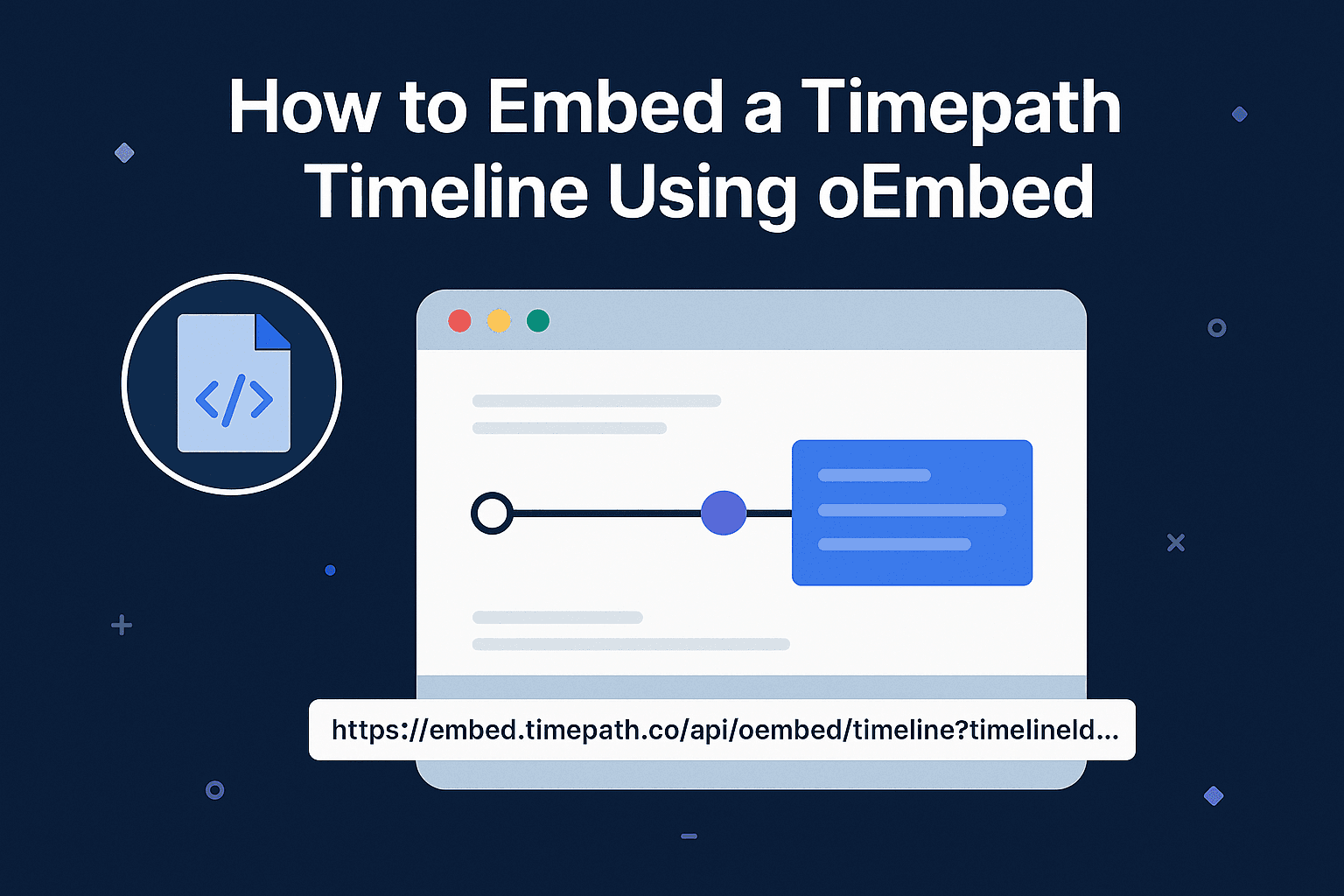
How to Embed a Timepath Timeline Using oEmbed
This article explains how to use Timepath's oEmbed functionality to easily embed timelines via a simple URL. Ideal for CMS platforms that support rich embeds.
Read the guide
How to Create a Personal Timeline of Your Life Story | Timepath
Are you looking for an easy tool to create a personal timeline of your life story? We’ve got you covered. In this blog article, we'll explore the many possibilities and applications. If you're ready to get started, dive in today!
Read the guide
Create an Interactive Timeline with Timepath
Are you ready to take your content to the next level? With Timepath, you can transform your content into an interactive timeline, taking your visitors on a journey through time. With our user-friendly interactive timeline creator, you can seamlessly design and customize digital timelines, incorporating multimedia elements such as images, videos, and more. Your visitors can choose what they want to explore further, giving them exactly what they need!
Read the guide
How to Create a Photo Timeline Using Timepath
Are you looking to create a beautiful timeline of your wedding photos, so you can relive that special day all over again? Are you searching for a way to showcase your travel photos in a stunning manner on your blog? Or do you have another reason for creating a gorgeous photo collage timeline? With Timepath, you can create it in no time. In this article, you'll learn how to add your photos to the timeline, what options you have to customize your timeline, and how to embed your photo timeline on your website or blog. Enjoy!
Read the guide
How to Create a Timeline with Timepath
Are you a blogger, content marketer, journalist, or student eager to learn how to make an online timeline of events? Your story truly comes to life when presented in the right format. With Timepath, you can create interactive timelines within minutes, keeping your audience on the edge of their seats. Explore our easy-to-use templates and effortlessly embed your timeline on your website and in your news articles. In this article, we’ll explain what a timeline is and guide you on how to create a visual timeline in 5 simple steps using Timepath.
Read the guide
How To Embed a Timeline on Your Website
Embedding a timeline on your website is a great way to increase engagement with your readers. You can tell your readers chronologically and visually what happened over time. Our data shows that the time spent on site increases when a timeline has been added to your article. In this blog post, we will explain how to embed a timeline in your website, blog post, or news article in 4 simple steps.
Read the guideEverything here works on a free account
Nothing in these guides needs a paid plan to follow. Open the editor and build along with one.
