Organize stories effortlessly with interactive Collections
See it working
A real, published Timepath story — embedded exactly the way you would embed it.
Collection. Curated content grouped around a subject.
Loved by leading newsrooms worldwide
Join the ranks of top newsrooms leveraging Timepath to enhance their storytelling and audience engagement.
- De Telegraaf
- Luxemburger Wort
- Leeuwarder Courant
- de Volkskrant
- Het Parool
- De Morgen
- RTL Nieuws
- Margriet
- LINDA
- Libelle
- Belfast Telegraph
- Irish Independent
- NU.nl
- Aachener Zeitung
- Pageview stories
- 1 billion+
- Newsrooms
- 50+
- Time saved
- 25%+
You write the articles, Timepath generates the timeline widget
Automatically create timelines
Streamline content organization with tag-based timeline creation. Articles tagged with specific topics, like 'US election', are automatically integrated into relevant timelines, enhancing topical coherence.

Transform news consumption with interactive timelines
For publishers and journalists, the art of storytelling is evolving. Timepath's Timeline Collections offer a powerful tool to not just tell stories but to visualize them, creating a narrative journey for your readers. By embedding interactive timelines into your articles, you not only enhance the reading experience but also encourage deeper engagement and understanding of complex topics. Elevate your digital storytelling with Timepath and see your stories come alive in the timelines of history.
“We just celebrated our 25 year anniversary of our company. With Timepath we were able to create a beautiful timeline about our company history and share our achievements. The tool is quick and easy to use!”
DPG Media
“Timepath timeline maker meets a need we already had: a tool that allows you to quickly and user-friendly create beautiful, clear timelines. Timelines lead to an increase in the engagement rate, and visitors spend more time reading our articles.”
Frequently Asked Questions
From timelines and liveblogs to quizzes, polls, and collections, find answers to the most common questions about creating, customizing, and publishing interactive content with Timepath.
Go to our FAQ pageWhat are Timeline Collections?
Timeline Collections are a feature of Timepath that allows publishers and journalists to create interactive, chronological timelines from a collection of articles about a specific topic. These collections enhance storytelling by visually organizing articles in a timeline format.
How do Timeline Collections work?
Timeline Collections work by automatically extracting dates, titles, body texts, and images from your articles. These elements are then used to create a chronological timeline, which can be embedded into your website to provide an interactive experience for your readers.
Who can benefit from using Timeline Collections?
Publishers, journalists, and content creators can benefit from using Timeline Collections. This tool is designed to enhance digital storytelling, making it easier to present complex topics in an engaging and visually appealing manner.
How do I create a Timeline Collection?
Creating a Timeline Collection is simple. Just gather the articles you want to include, and Timepath's technology will automatically generate a timeline from the content. You can then embed this timeline into your website.
Can I customize my Timeline Collections?
Yes, you can customize your Timeline Collections to fit your website's design and branding. Timepath offers various customization options to ensure your timelines look great and provide the best user experience.
What types of content can be included in a Timeline Collection?
Timeline Collections can include a variety of content types, such as news articles, blog posts, and multimedia elements like images and videos. Any content that can be associated with a date can be included in a timeline.
How do Timeline Collections enhance reader engagement?
By organizing content into a chronological timeline, readers can easily follow the progression of events and understand complex topics better. The interactive nature of the timelines encourages readers to engage with the content more deeply and spend more time on your website.
Are Timeline Collections mobile-friendly?
Yes, Timepath's Timeline Collections are designed to be fully responsive, ensuring they look great and function well on any device, including smartphones and tablets.
How do I embed a Timeline Collection into my website?
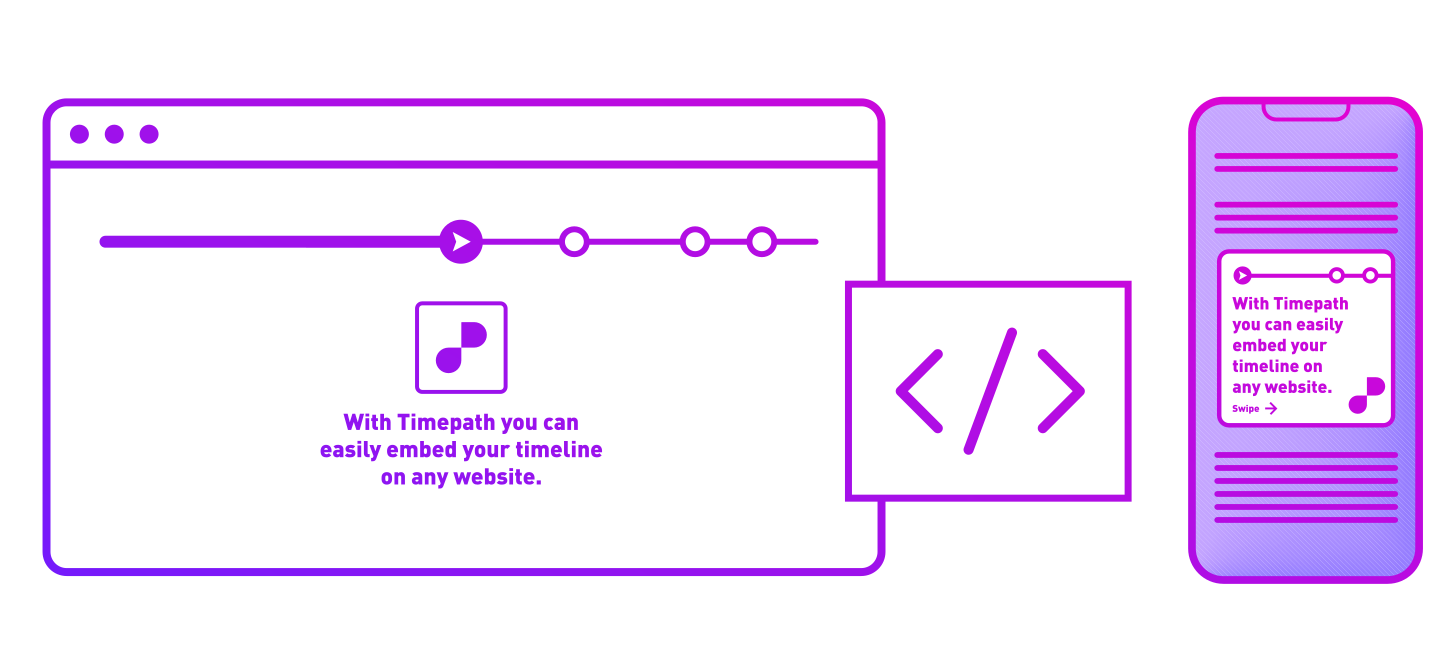
Embedding a Timeline Collection is straightforward. Once your timeline is created, Timepath provides an embed code that you can paste into your website's HTML. This code will seamlessly integrate the interactive timeline into your site.
Can I track the performance of my Timeline Collections?
Yes, Timepath offers analytics tools that allow you to track how readers are interacting with your Timeline Collections. You can see metrics such as views, engagement rates, and time spent on the timelines, helping you understand their impact.