Timeline support
Build a timeline, set how its dates behave, style it to your brand and embed it on any site. Start with getting started, then work through the articles below.
Timeline articles
Getting started
More
Timeline guides
Longer walk-throughs of a whole job, start to published.
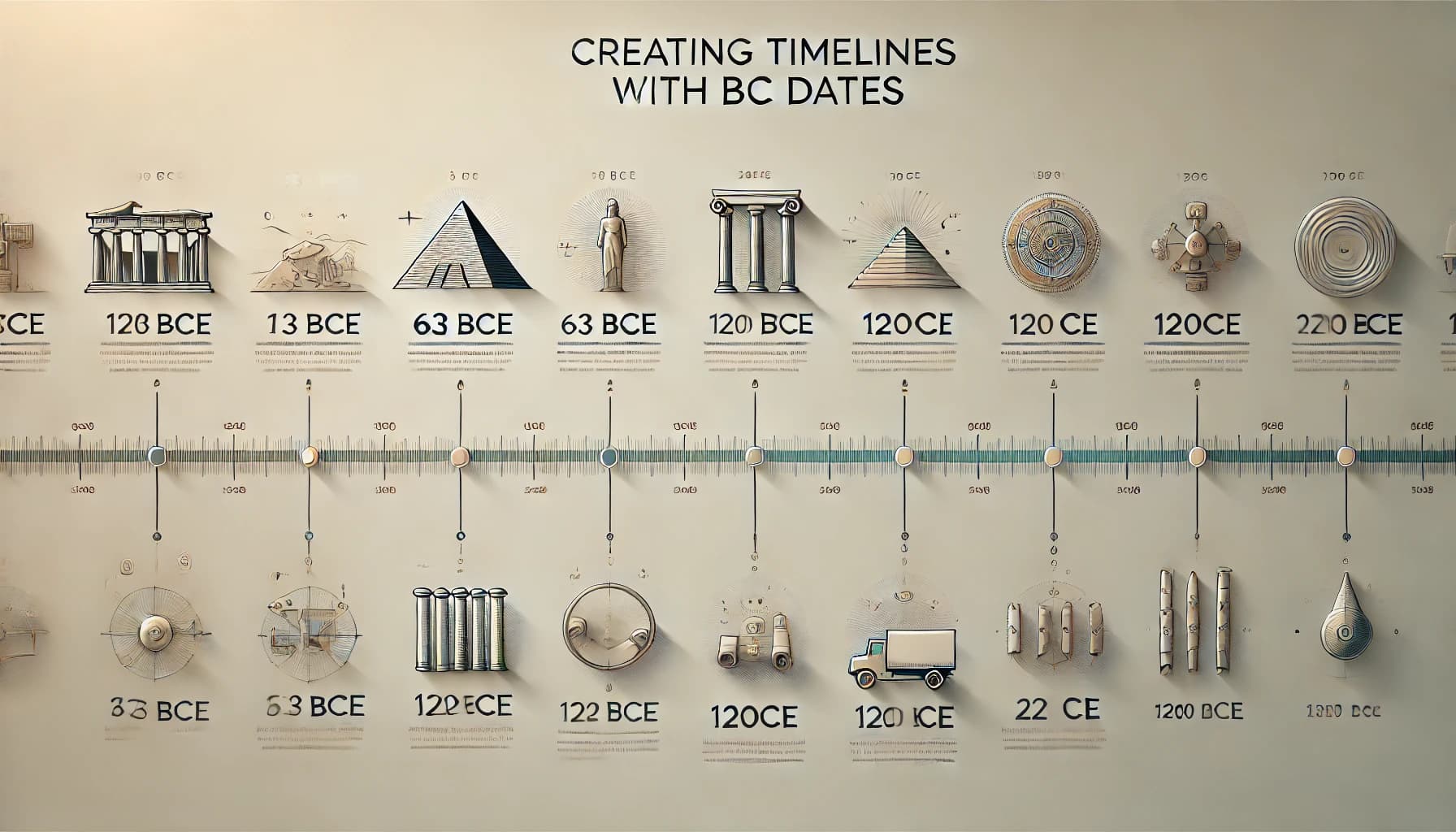
How to Create Timelines with BC Dates in Timepath | A Simple Guide
Learn how to create timelines with BC dates in Timepath. Follow this simple guide to organize and display ancient events accurately on your timeline.
Read the guide
How To Create A Timeline For My History Class
Need to create a timeline for your history class? This guide shows you how to build a clear, interactive timeline with Timepath — perfect for presenting historical events step by step.
Read the guide
How to Create a Love Story Timeline (The Perfect Valentine’s Day Gift)
Looking for a Valentine’s Day gift that’s truly meaningful, personal, and unforgettable? Skip the cliché chocolates and flowers—this year, give a gift that tells your story. With a love story timeline, you can capture all the little moments, milestones, and memories that make your relationship unique.
Read the guideTimeline questions
Can I add my own images to the Timeline?
How can I embed a Timeline in my article or news site?
Do I need technical skills to generate a Timeline or Live Blog?
How do I create a Timeline with Timepath?
Is Timepath useful for both daily news and in-depth stories?
Does Timepath offer advanced timelines
Support for the rest of the suite
Still stuck on Timeline?
Tell us what you were trying to do and where it stopped. A person on the product team replies within one working day.