Increase audience engagement in news articles











See it working
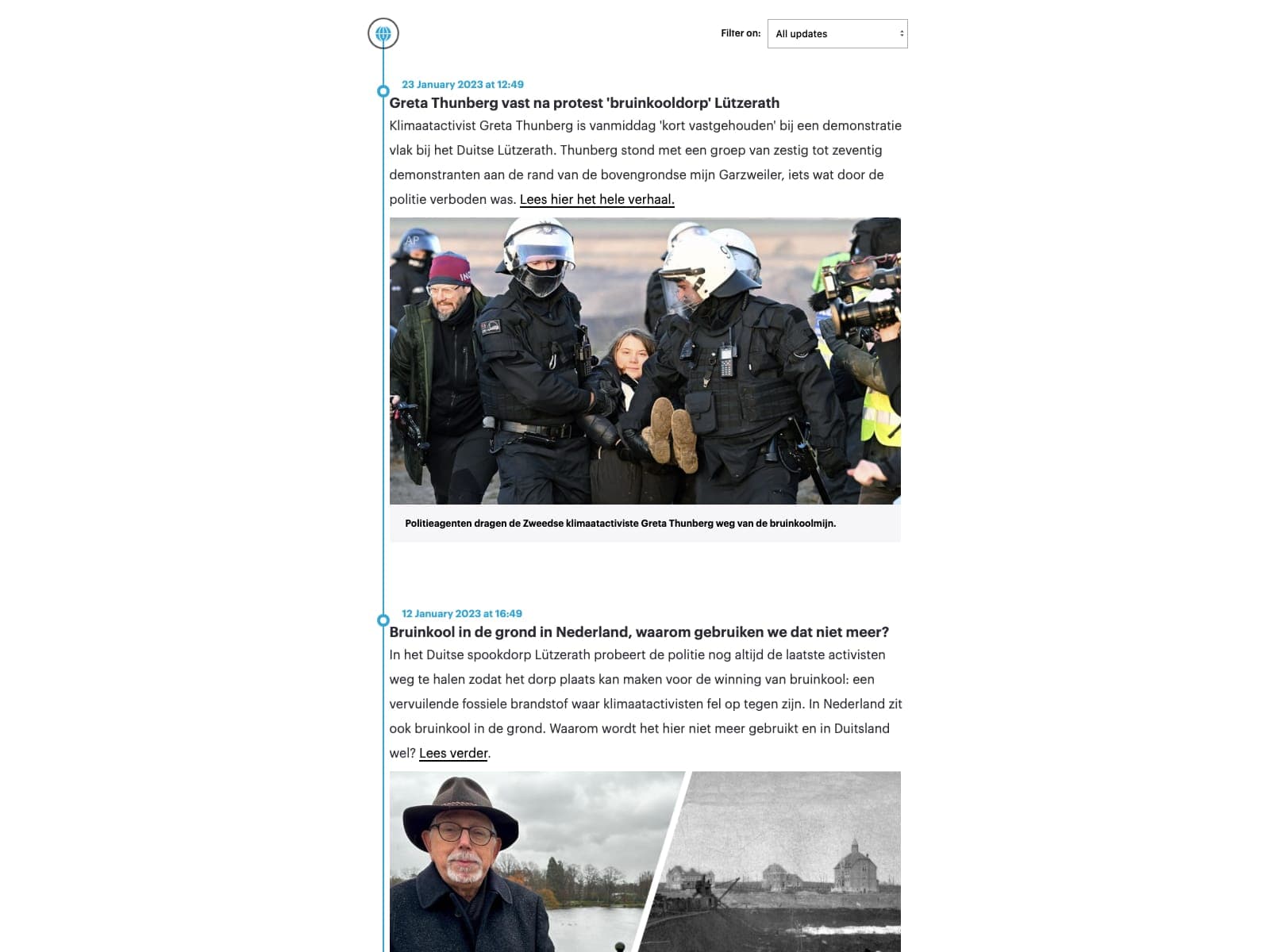
A real, published Timepath story — embedded exactly the way you would embed it.
Storytelling & context
Interact & learn
Ten products, one editor, one analytics layer.
Explore the suiteTrusted by industry leaders
Loved by leading newsrooms worldwide
Join the ranks of top newsrooms leveraging Timepath to enhance their storytelling and audience engagement.
- Pageview stories
- 1 billion+
- Newsrooms
- 50+
- Time saved
- 25%+



Designed for journalists who need speed, control, and impact
Work fast without losing oversight, keep stories clear and connected, and engage readers with interactive timelines, liveblogs, polls, quizzes, and more. Easy to learn, simple to use, and built to measure what matters most.
Work fast whilst staying in control
Deadlines don’t wait and neither do you. Timepath lets you publish fast and keep every detail in sight. Combine updates, video and background context in one evolving story no extra tools or new workflows. Integrated directly into your CMS, you can build a Timeline or Liveblog in minutes. Fast, intuitive, and designed for journalists working under real-world pressure.
What top journalists say about Timepath
Designers, journalists and online editors can finally work in the same flow - no handovers, no waiting.
 Mara MohnenEditorial Designer, Luxembourg Wort

How top newsrooms use Timepath
Discover how leading newsrooms and journalists use Timepath to engage audiences with interactive storytelling formats.


Frequently Asked Questions
From timelines and liveblogs to quizzes, polls, and collections, find answers to the most common questions about creating, customizing, and publishing interactive content with Timepath.
Increase audience engagement in news articles
Enhance your articles with interactive elements that add context, clarity, and reader participation. Increase engagement and improve understanding, without slowing newsroom workflow.
Enterprise newsroom
